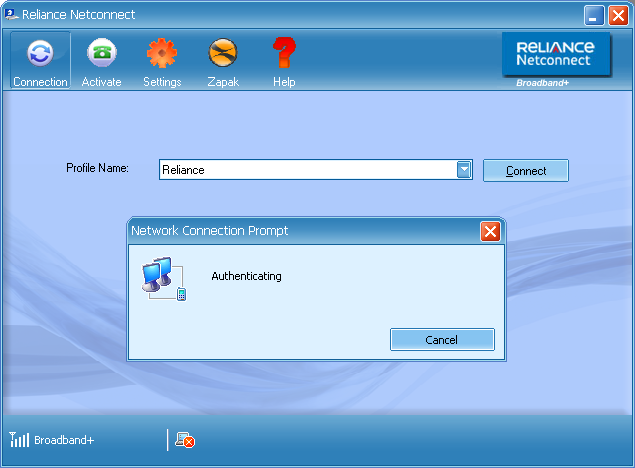
I have a Reliance Netconnect
Postpaid connection for my daily internet usage and iam very much satisfied with the services they offer, but there is only 1 issue with this service which is the default website which loads whenever i login to the Interface and this hangs my browser many a times. Is there any solution for this problem? I tried blocking the reliancecommunications.co.in website using my browser settings but this gives other problems. Please help me out with a optional setting. Venkat – Delhi
Reliance Broadband+ offers you with a inbuilt software which comes with the USB Modem, allowing you with connecting to the internet easily and once the connection is successful, it would load its official website to make sure that the connection is perfect. Now if you are not happy with this there is a option for you where in you can change the default website to your own website or else favorite search engine like Google. Here is the procedure for the same.

Reliance NetConnect Connection
The moment the connection is established, the software will load their official broadband+ website to show you that the connection is successful and also details on how to pay reliance bills online. Since you are not interested in loading the default there is a option to change this and for this you need to edit one of the files installed by this USB Modem software. Here is the procedure for the same.
First access your Program Files folder and then follow the following steps to reach the final destination.
Program Files > Reliance Netconnect – Broadband+ > plugins > XFramePlugin
In the XFramePlugin Folder you will find a file called as config.xml which you need to open in your default text editing software like Notepad and then using the ‘Find/Search’ option search for reliancecommunications.co.in and then replace the default URL with any website URL you want to change it to. It will be between http://himanshurockat.blogspot.com Tags. There is no other option in the software itself which can help you in changing this directly.